
Crop Marks

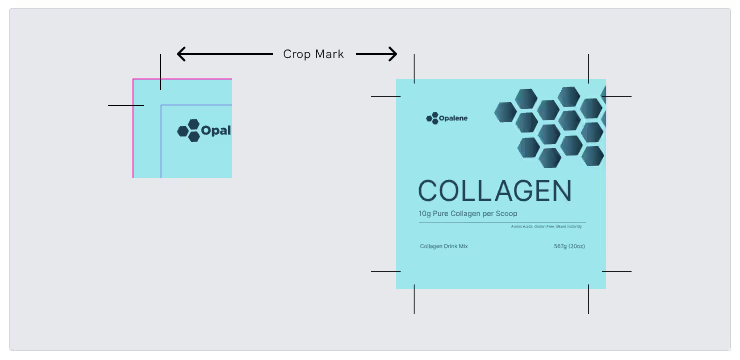
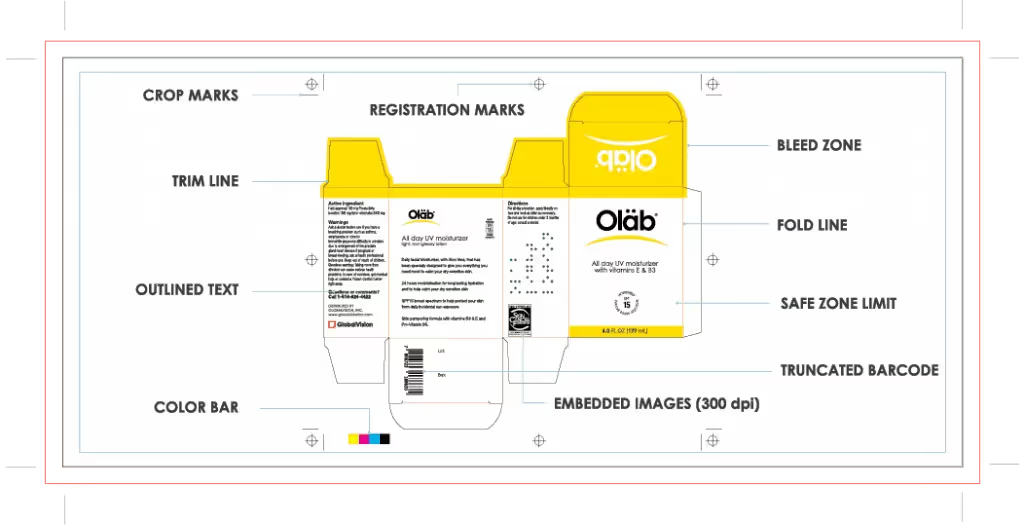
Crop marks are small lines printed at the corners of a design to show where the paper should be cut after printing. They help printers trim the final product to the correct size and ensure that images, text, and colors are aligned properly.
Crop marks are especially important for designs that go all the way to the edge of the paper, known as “bleed,” because they guide precise cutting without leaving unwanted white edges.
Key points:
- Show where to cut the printed material
- Ensure accurate trimming and alignment
- Essential for designs with full-bleed images
- Help maintain a professional, clean final product
See Other Guides
How Can File Comparison Software Improve Your Print Ready Files?
While some experienced graphic designers might be very familiar with print-ready work, this concept still represents a terrifying and intimidating aspect of graphic design for many newcomers.

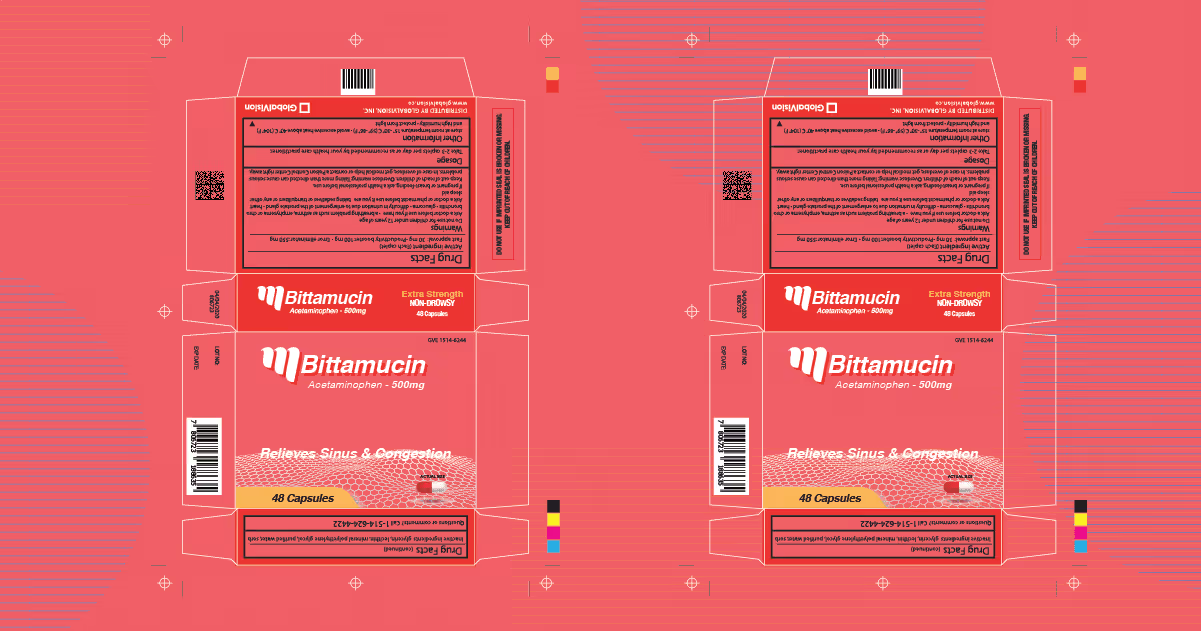
What Is a Dieline in Printing and Packaging?
In the packaging and printing industry, the term “dieline” refers to a template needed to ensure the correct layout of a final physical package.

Artwork Best Practices
Avoiding errors in production is often the result of inconsistency. In this guide, we cover everything you’ll need for a bulletproof file creation process.
Streamline Artwork Proofing From Prepress to Production
Elevate labeling and packaging accuracy with the market-leading artwork inspection software.