

Verify Compare and WebCenter Go: Combining Speed With Precision
Integrate Verify Compare’s quality directly inside WebCenter Go. Scale your workflows without compromising on accuracy, and introduce traceability throughout your processes for pain-free compliance.



Efficient and Accurate Artwork

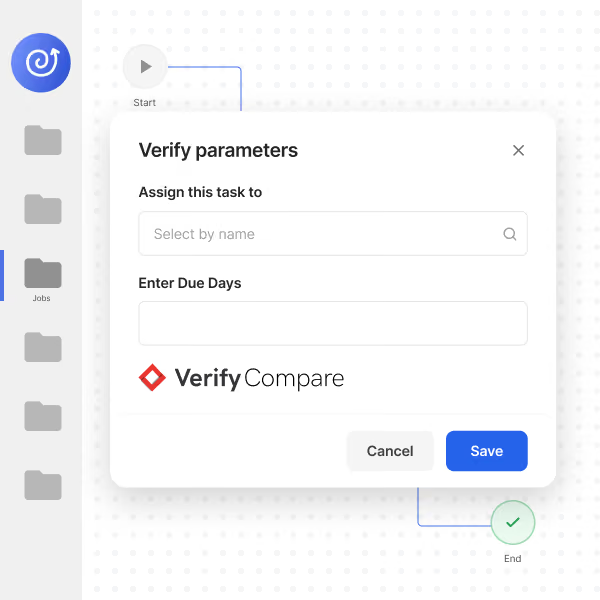
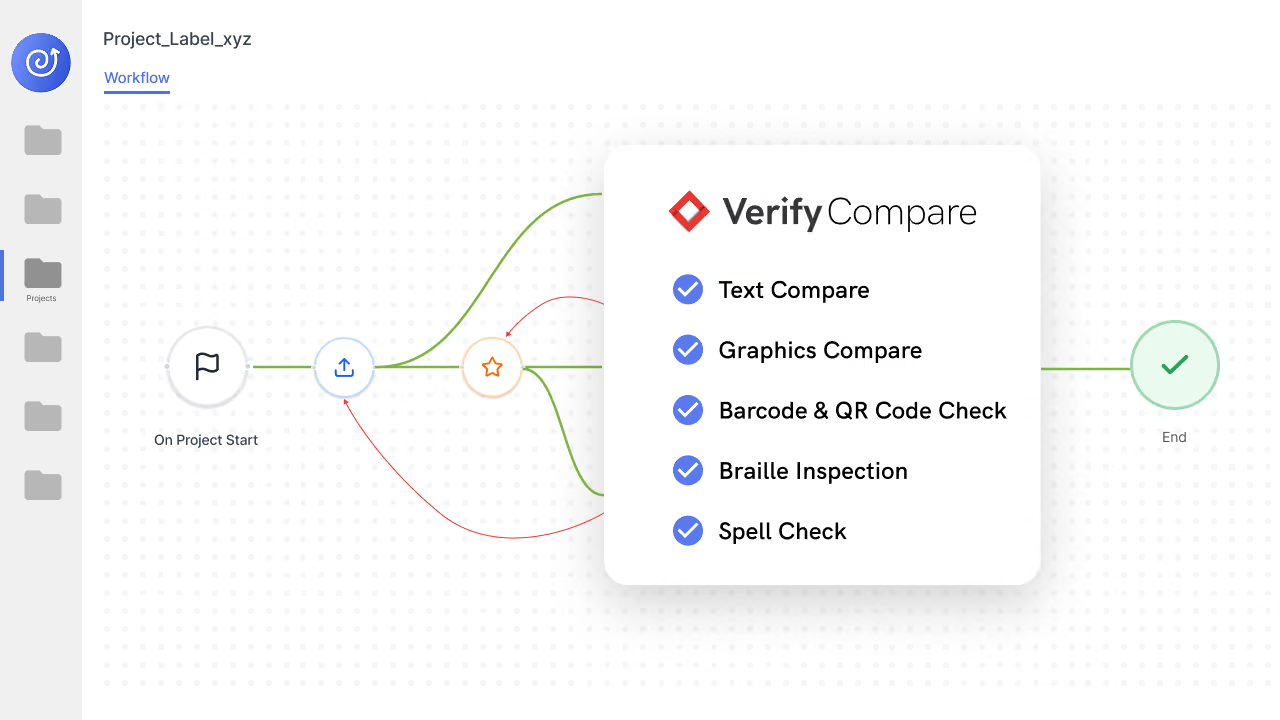
Verify Compare is completely connected with WebCenter Go, allowing you to find text, barcodes, braille, graphics, and spelling errors within the Esko ecosystem.

Unlock Uncompromising Accuracy
Ensure the right files are checked by the right person, at the right time by leveraging WebCenter Go with Verify Compare. Ensure documents and artwork are up-to-date and accurate at every step of the artwork process.

Maintain Security In An Integrated System
Minimize risk by keeping files in one system. Every file remains within the Esko ecosystem, helping teams maintain compliance and traceability for audits.

Scale Your Workflows
Leverage automated reviews to accelerate workflows and reduce back-and-forth handoffs between teams. Access unparalleled efficiency in your workflows by running automated quality checks.
Ending The Quality Bottleneck By Integrating Verify Compare With WebCenter Go
Quality control used to mean pausing processes, waiting on approvals, and scrolling through checklists to ensure accuracy and compliance are maintained down to the last period. Now, teams can integrate automated quality control directly in WebCenter Go, allowing them to flag text, graphics, barcode, and braille errors without slowing the team down. By combining workflows with quality, teams can improve compliance and security within an integrated solution with full traceability.
More Interested In How Verify Compare Integrated With WebCenter Enterprise?
FAQs
What is Esko WebCenter Go?
WebCenter Go is Esko’s cloud-based packaging artwork management platform for mid-sized brands, combining workflow automation, online proofing, approvals, and compliance checks in one system.
How does this integration elevate my artwork workflow?
It turns quality control into a high-speed, native capability. You can trigger precise, automated inspections without ever leaving the WebCenter Go. Results and annotated reports are routed back into your system automatically—zero manual handling, zero friction.
Can it handle all my artwork file types?
Yes. We support the full spectrum of artwork assets natively within WebCenter Go, including PDFs, AI files, dielines, labels, and high-complexity print-ready layouts.
How does it catch errors before they hit production?
By detecting even the most microscopic discrepancies—copy shifts, incorrect fonts, or barcode and braille failures—before they become costly recalls. We turn quality assurance from a manual chore into a systematic step.
Does Verify Compare reduce review time in an Esko artwork workflow?
Absolutely. By replacing manual proofreading with automated checks, Verify Compare speeds up artwork workflows, shortens review cycles, and reduces the number of revision rounds needed per SKU. Users report 90% faster review cycles on average.
Is this integration built for automated artwork management at scale?
Yes, it is built for scale by automating inspections and centralizing results within WebCenter Go—eliminating bottlenecks and creating a unified, audit-ready framework that scales across all your product lines.
Is my data secure during inspection?
Yes. We operate in a closed-loop. Your IP remains within your secure, enterprise-grade Esko ecosystem from start to finish. No third-party exposure.