
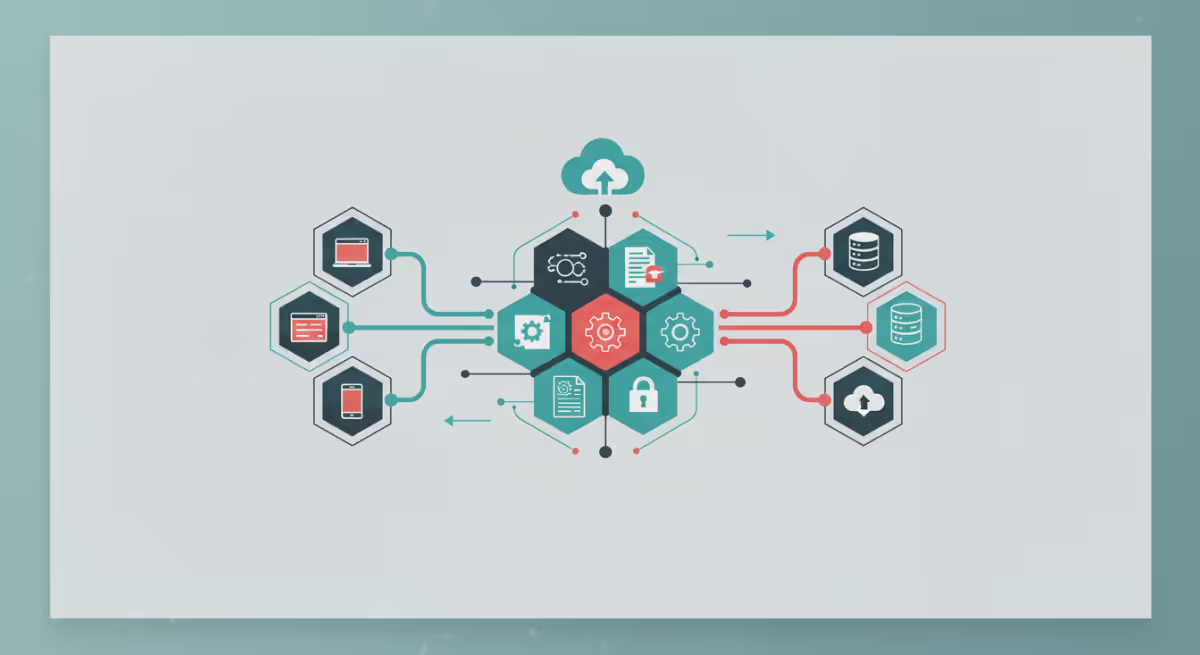


Êtes-vous un professionnel de la qualité, de la réglementation ou du prépresse qui entend parler des API mais ne savez pas ce qu'elles signifient pour votre flux de travail ? Ce guide pratique démystifie les API (interfaces de programmation d'applications) et montre comment elles améliorent l'efficacité, la précision et l'automatisation.
Le tout sans code, c'est une technique de jargon.
Dans ce guide, vous découvrirez :
- Qu'est-ce qu'une API (en anglais clair)
- Où les API s'intègrent dans les flux de travail de qualité et de prépresse
- Exemples d'API quotidiens qui ont un impact sur votre travail
- La différence entre les API, les intégrations et l'automatisation
- Comment les API profitent aux équipes non techniques
- Comment évaluer les API de votre organisation
- L'avenir de l'excellence opérationnelle axée sur les API
Qu'est-ce qu'une API ?
API est l'abréviation de Application Programming Interface.
- Définition en langage clair : Une API est un moyen pour différents systèmes logiciels de se parlent automatiquement, afin que les actions et les données puissent passer d'une plateforme à l'autre sans intervention humaine.
Analogie quotidienne :
Pense à un restaurant.
- Vous passez une commande auprès du serveur (l'API).
- La cuisine (l'autre système) prépare vos repas.
- The server ramene your command.
Le serveur ne cuisine pas ; il fait simplement envoi de demandes et de réponses entre vous et la cuisine. De même, les API coordonnent le travail entre les systèmes, elles ne le font pas elles-mêmes.
Qu'est-ce qu'une API n'est pas
Nettoyage des malentendus communs :
- Ce n'est pas un robot qui remplace ton travail. Les API automatisent les tâches simples et répétitives, mais ne peuvent pas reproduire votre expertise.
- Il ne s'agit pas d'une interface utilisateur. Vous ne vous « connectez » pas à une API ; elle fonctionne en arrière-plan.
- Ce n'est pas un programme que vous exécutez manuellement. Les API sont des connecteurs invisibles mais puissants.
Principaux points à retenir : Les API vous aident à travailler dans les coulisses, même si vous ne les voyez jamais ou ne les utilisez jamais directement.
Pourquoi les API existent dans les flux de travail modernes
Les API résolvent des problèmes commerciaux critiques :
- Le travail manuel n'est pas évolutif
- Systèmes multiples = complexité accrue
- L'erreur humaine ralentit les processus
- Les équipes n'ont pas besoin rapidité, cohérence et précision
Adresse de l'API :
- Speed: Instant data transfer and tasks management
- Cohérence: Même action à chaque fois : réduire le nombre d'erreurs
- Volume: Capable de gérer rapidement des milliers de tâches
- Réduire la fatigue: Libérez votre équipe pour qu'elle puisse se consacrer à des tâches à valeur ajoutée
Exemples d'API du monde réel (aucune expérience technique requise)
Les API sont omniprésentes, même en dehors du monde de la technologie :
- Bancar Applications synchronisant les transactions : Les API s'assurent que votre dernier solde et vos derniers achats apparaissent instantanément.
- Des applications de livraison de nourriture qui parlent aux restaurants : Les API envoient votre commande, suivent son statut et mettent à jour les délais de livraison en temps réel.
- Les plateformes de réservation de voyages mettent à jour les disponibilités : Les API extraient les données sur les vols et les hôtels, afin que vous puissiez voir ce qui est disponible actuellement.
- Confirmations de commande pour le commerce électronique : Les API relient votre achat à l'inventaire, déclenchent l'expédition et vous envoyez des mises à jour.
Practice example :
Une entreprise d'emballage de premier plan a automatisé son processus d'approbation des étiquettes à l'aide d'API. Au lieu de télécharger manuellement les fichiers vers un logiciel de contrôle qualité, leur système DAM utilise désormais des API pour transférer des fichiers, déclencher des contrôles et collecter les résultats. Cela a permis de réduire les délais d'exécution de 40 %, de réduire les erreurs manuelles et d'améliorer leur préparation aux audits.
Sans API :
Les équipes continueraient à copier-coller des informations entre plusieurs systèmes toute la journée.
API, intégrations et automatisation
Termes que vous allez entendre (et leur signification) :
- API (connexion) : Le « messager » : permet aux systèmes de partager des informations.
- Integration (result) : Le résultat : de multiples outils qui fonctionnent ensemble comme s'ils n'en formaient qu'un.
- Automatisation (action) : Que se passe-t-il automatiquement une fois les outils connectés ?
Répartition simple :
- Les API permettent les intégrations.
- Les intégrations permettent l'automatisation.
Practice example :
Liez votre outil de gestion de projet à votre plateforme de contrôle qualité à l'aide d'une API = intégration ; vérification automatique des fichiers et renvoi des résultats = automatisation.
Comment les API apparaissent dans les flux de travail de qualité et de prépresse
Un flux de travail typique basé sur une API :
- Un membre de l'équipe crée ou met à jour un fichier.
- Le système détecte le changement.
- Une API envoie automatiquement le fichier à un logiciel de qualité.
- Les contrôles automatisés s'exécutent instantanément.
- Les résultats sont renvoyés pour examen humain only if he exists of exceptions.
Avantages pour les équipes :
- Éliminez les frais et les téléchargements manuels.
- Assurez-vous que chaque fichier est vérifié de la même manière.
- Accélérez les révisions et les approbations.
- Conservez une piste d'audit détaillée pour vérifier la conformité.
Example — Avant et après :
| Etape du Workflow | Avant les APIs | Après les APIs |
|---|---|---|
| Transfert de fichier | Téléverser/télécharger manuellement | Transfert instantané et automatique |
| Contrôles de qualité | Un par un, manuel | Automatisé, avec une revue basée sur des exceptions |
| Conformité/audit | Piecemeal records (data, evidence, or documents collected gradually) | Trails d'audit centralisés et cohérents |
| Évolutivité | Limité par la taille de l'équipe | Plus de volume, même équipe |
| Erreurs | Risque élevé d'erreurs manuelles | Réduction par standardisation |
Les API remplacent-elles les humains ? (Short Response : Non)
- Les API vous permettent de vous débarrasser des tâches répétitives et de faible valeur.
- Vous toujours :
- Définissez les règles et les tolérances.
- Étudie les exceptions.
- Approbate the Fine Results.
- Faites preuve de jugement et d'expertise.
Clé du message :
API soutenir votre équipe, ils ne remplacez-le.
Quand les API ont du sens... et quand elles ne le sont pas
Les API ont du sens lorsque :
- You traitez un volume important de fichiers ou de tâches.
- Vos règles sont répétables.
- La rapidité et la précision sont essentielles.
- Les erreurs sont coûteuses ou ont des implications réglementaires.
Les API ne sont pas toujours nécessaires si :
- Le volume est faible et le travail est ponctuel.
- La révision manuelle est gérable.
- Il n'y a pas encore d'étapes répétables.
Pourquoi les API deviennent essentielles pour les équipes chargées de la qualité
- L'augmentation du nombre de produits (SKU), le renforcement des réglementations et des délais plus serrés constituent la nouvelle norme.
- Les erreurs peuvent coûter cher.
- Les API aident à créer cohérent, automatisé et évolutif work flow.
- Ce n'est plus une tendance, ce sont des infrastructures !
Conclusion finale : les API favorisent l'excellence opérationnelle, aucun code n'est requis
Les API sont des outils invisibles qui permettent de gagner en rapidité, en précision et en croissance dans des secteurs tels que le contrôle qualité, les affaires réglementaires et le prépresse.
N'oubliez pas : la vraie question n'est pas « Les API sont-elles trop techniques pour moi ? »
C'est : « Quel temps humain précieux consacrons-nous au travail qu'une machine peut effectuer pour nous ? »
Vous voulez voir les API en action ?
Participez à notre prochain webinaire ou découvrez directement comment GlobalVision Verification API peut transformer votre flux de travail prépresse dès aujourd'hui.


