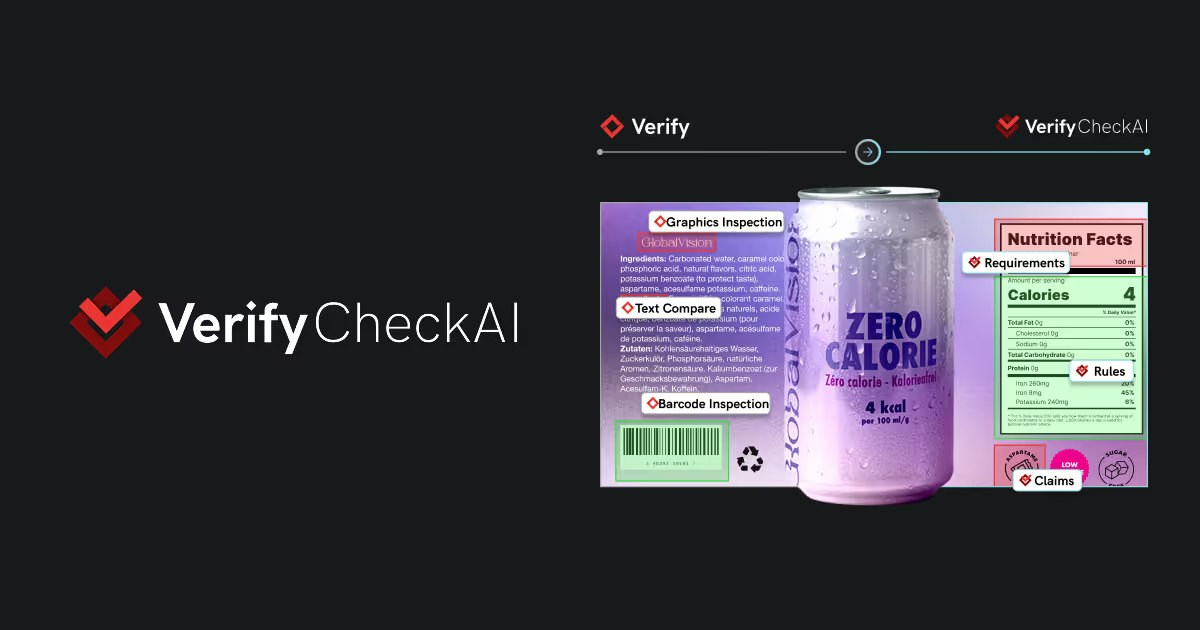
Verify API logo with red icon and white text on dark background.

Verify API: Prepress Quality Checks on Autopilot

Stop wasting hours reviewing files one by one. Join our webinar and learn how to centralize and automate prepress quality checks while scaling operations. It's time to make your checks faster, cleaner, and with far fewer mistakes.

February 25, 2026 at 1:00 PM Eastern Time

Quality Checks

Red gear-shaped icon with a white stylized diamond and checkmark inside.
Black background with smooth, curved, evenly spaced horizontal lines creating a wave-like pattern.

on Autopilot

Quality Checks on Autopilot

Here’s What to Expect

  • Hear from our customers about their proven success with Verify API for prepress quality
  • See how Verify API easily connects with virtually any prepress automation platform
  • Learn how to centralize quality standards across all prepress teams 
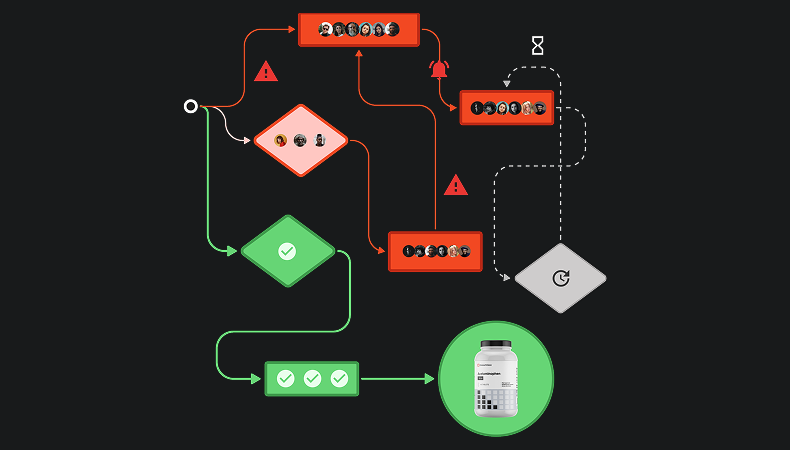
  • See how up to 100 prepress checks can be automated at once, as Verify API does the heavy-lifting
  • Understand how our flexible credit model facilitates scaling at your own pace 
  • Share your experience with interactive polls and learn how your peers think about key industry challenges
00 Days
00 Hours
00 Min
00 Secs
EVENT STARTED
Diagram showing three documents feeding into a cloud icon that connects to a central gear icon, which outputs a list of features: Barcode & QR, Graphics, Spell Check, Text, OCR, and Braille, each with a lightning bolt and checkmark.

Why Should You Future-Proof Your Workflows With Verify API?

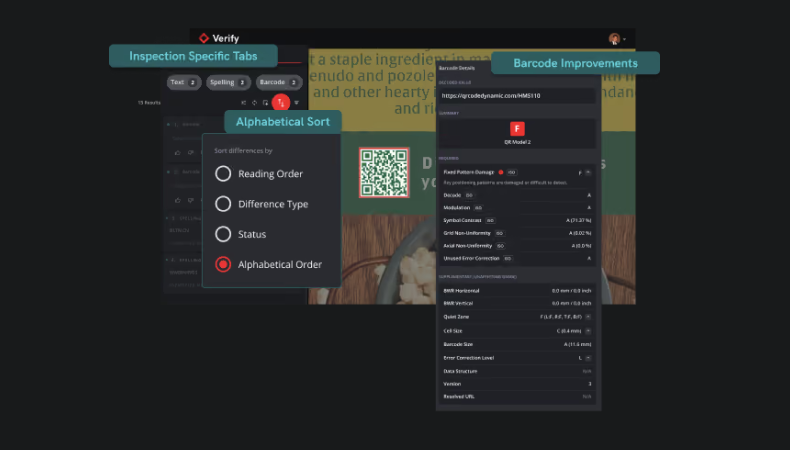
VerifyAPI delivers Verify’s AI-powered quality inspection tools through easy-to-integrate APIs, making them available wherever you need them, from job creation to preflight and imposition. It embeds automated quality checks directly into your prepress workflow, catching errors. It catches text, artwork, barcode, QR code, spell check, braille, and bleed issues before files go to print.

Red speedometer icon indicating speed or performance.

Accelerate Production

Propel your workflow to record speed with automated quality checks from job creation and preflight, to proofing and imposition—avoiding press-stops, re-plating, and reruns.

Red checklist icon with three lines and a checkmark.

Standardize Inspection

Future-proof your work with standardized inspection parameters company-wide, regardless of the software(s) you use.

Red line graph with an upward trend ending in an arrow pointing up and to the right.

Scale Job Volume

Take on more jobs without scaling headcount and reduce bottlenecks.

Red icon of a gear with a central node inside a starburst shape.

Reduce Manual Steps

Reduce tedious manual touchpoints and embrace hands-free automation by embedding quality checks directly in your workflow.

Red magnifying glass with a cross inside indicating search off or no search.

Catch Errors Early

Reduce revisions and reworks, trusting that errors are flagged before plate-making, while error-free files keep moving through the workflow.

Hosted by

Mark Burns, Enterprise Account Executive at GlobalVision
Mark Burns
Enterprise Account Executive
Hashem Ali, Instructional designer at GlobalVision
Hashem Ali
Product Expert

Don’t Miss Out, Reserve Your Seat Now!