
Raster Image Processor (RIP)

A Raster Image Processor (RIP) is a piece of software or hardware that converts digital artwork into a format a printer can understand. It takes vector graphics, text, and images and turns them into tiny dots (raster data) that a printer uses to produce the final image. RIPs are essential for high-quality printing because they control color, resolution, and the way different elements of the design are printed.
Why it matters
Without a RIP, printers can’t accurately reproduce digital files, which can lead to color issues, misaligned images, or low-quality prints. Using a RIP ensures that the final output matches the designer’s intent, maintains color accuracy, and keeps details sharp.
Benefits:
- Accurate color reproduction: Ensures printed colors match the digital design
- High-resolution output: Keeps images and text sharp
- Supports complex jobs: Handles large files, multiple colors, and layered graphics
- Consistency: Maintains quality across multiple prints or print runs
Use Cases in Print and Packaging:
- Labels and packaging: Converting artwork into printable files for bottles, boxes, or wrappers
- Marketing materials: High-resolution brochures, flyers, and posters
- Specialty printing: Jobs with spot colors, gradients, or variable data
- Large print runs: Ensures consistent quality across thousands of copies
A Raster Image Processor (RIP) translates digital designs into precise, high-quality print output, ensuring colors, images, and text come out exactly as intended.
See Other Guides

The Ultimate Guide to Prepress Quality Control: From Preflight to Perfect Prints
Excellent quality control before printing turns a good business into a great one. Catching mistakes early and keeping your standards high makes every project run smoothly. Clients will be impressed by your reliable and detailed work.

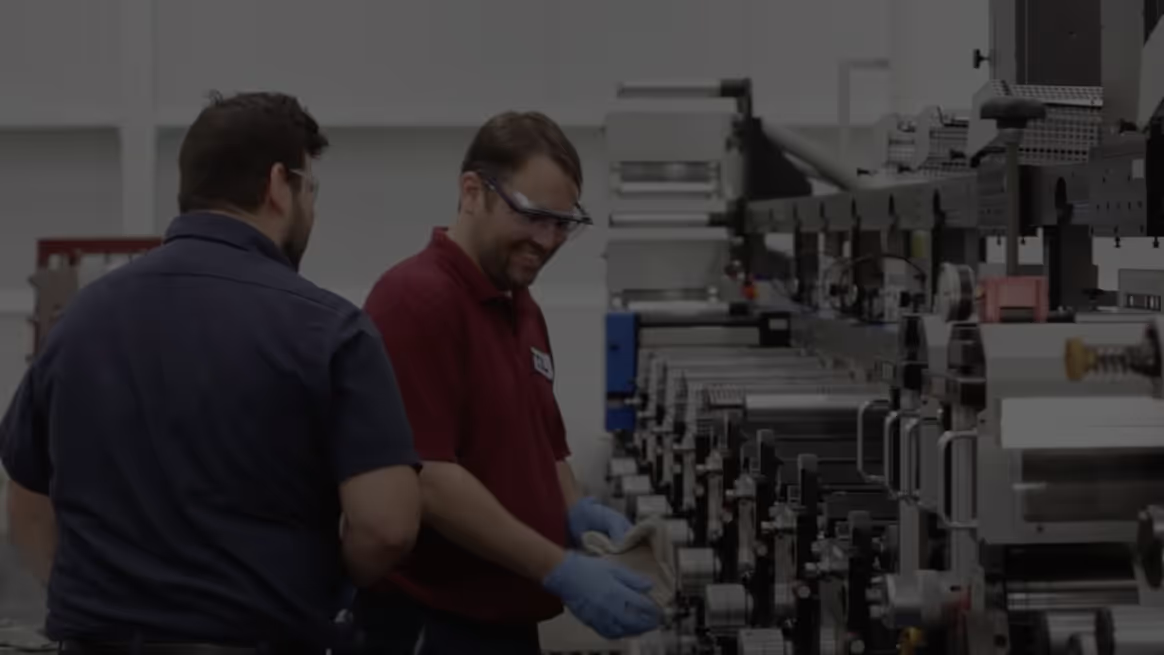
Fast Automated Artwork Inspection From Proof to Press
Take on more jobs and propel prepress and production to record speed with automated quality checks that deliver flawless results—every time.

Artwork Best Practices
Avoiding errors in production is often the result of inconsistency. In this guide, we cover everything you’ll need for a bulletproof file creation process.
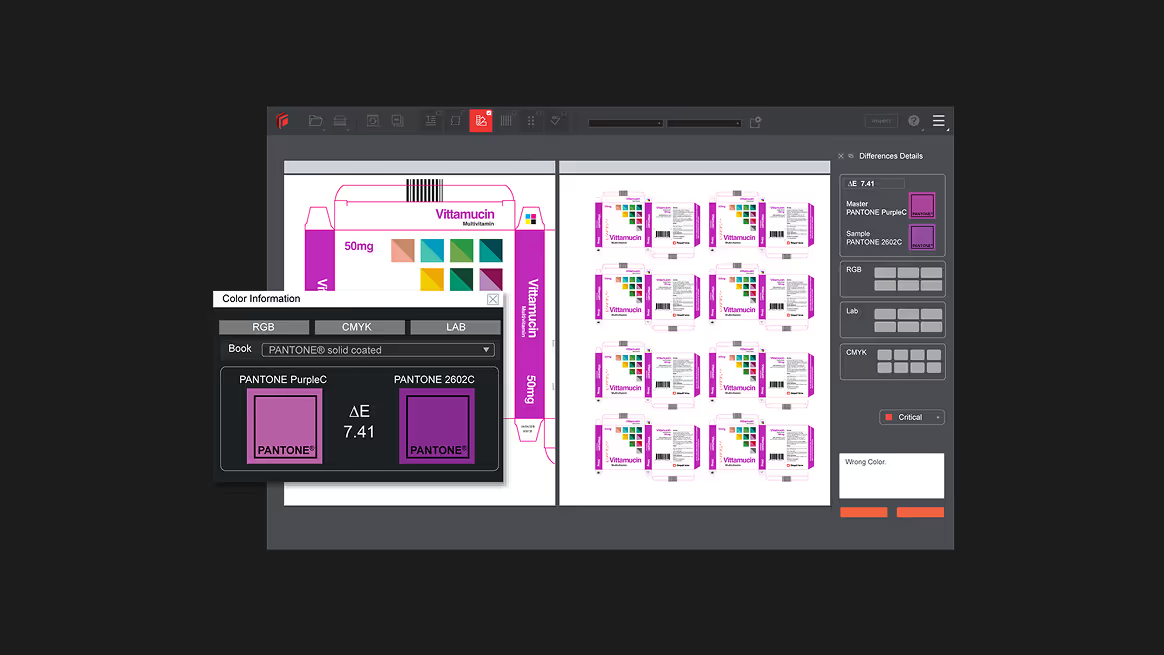
Color Measurement Done Right
Avoiding errors in production is often the result of inconsistency. In this guide, we coverColor accuracy isn’t optional, it’s mission-critical. The color measurement engine in GVD delivers automated inspections that eliminate uncertainty and enforce precision across every file, proof, and press run. everything you’ll need for a bulletproof file creation process.
Streamline Artwork Proofing From Prepress to Production
Elevate labeling and packaging accuracy with the market-leading artwork inspection software.