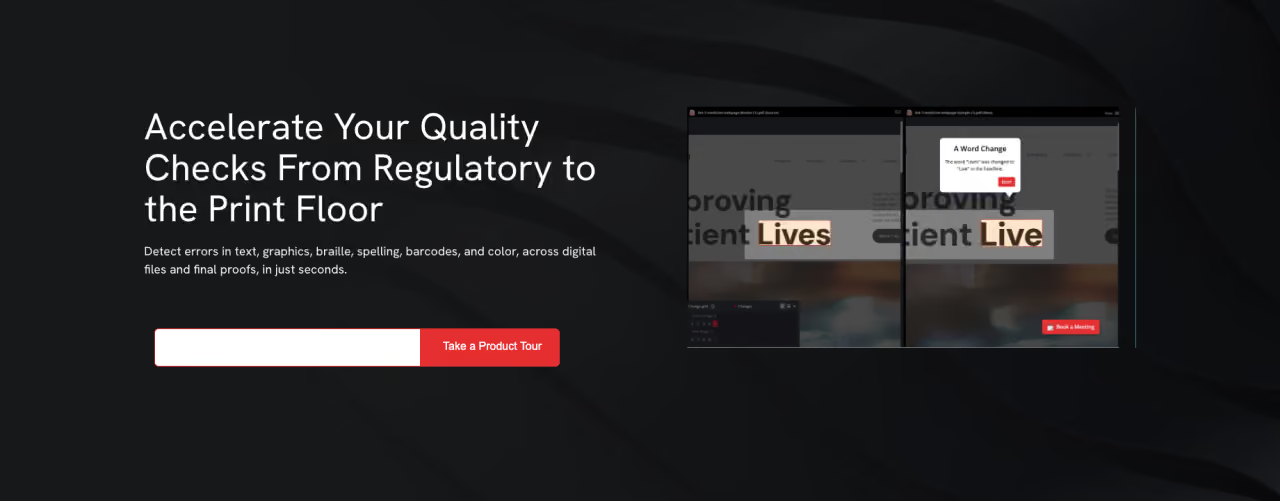


One wrong decimal on a nutrition panel. A barcode that won't scan at checkout. A brand color that shifts three shades between batches. Each of these small slips can trigger a reprint, delay a launch, or spark a costly recall. And when you're managing hundreds of SKUs across multiple markets, small slips multiply fast.
Packaging and print automation is how modern teams stay ahead of that risk. It replaces fragile, manual checks with fast, accurate, repeatable ones, so your packaging ships flawless, on time, and fully compliant, every single run.
This guide walks you through the full landscape of packaging and print automation. You'll get a clear overview of the eight pillars that make it work, from print automation basics to smart manufacturing. Each section links to a deeper dive, so you can zoom in wherever you need.
Why Packaging & Print Automation Matters Now
The demands on packaging teams have outgrown what manual processes can handle. A few forces are driving the shift:
- SKU explosion. More variants, sizes, and market-specific labels than ever before.
- Tighter timelines. Shrinking launch windows leave no room for slow, manual review.
- Rising compliance pressure. Regulations shift constantly across regions and languages.
- Global reach. Multi-market packaging multiplies the chances for error, and the cost of getting it wrong.
Automation closes the gap between what your workflow can do by hand and what your business actually needs. The payoff shows up in four ways that matter most: faster time to market, fewer errors, lower reprint costs, and consistent quality at any scale.
Key takeaway: As packaging complexity climbs, automation shifts from a nice-to-have to the backbone of speed, accuracy, and compliance.
1. Print Automation: What It Is and Why It Matters
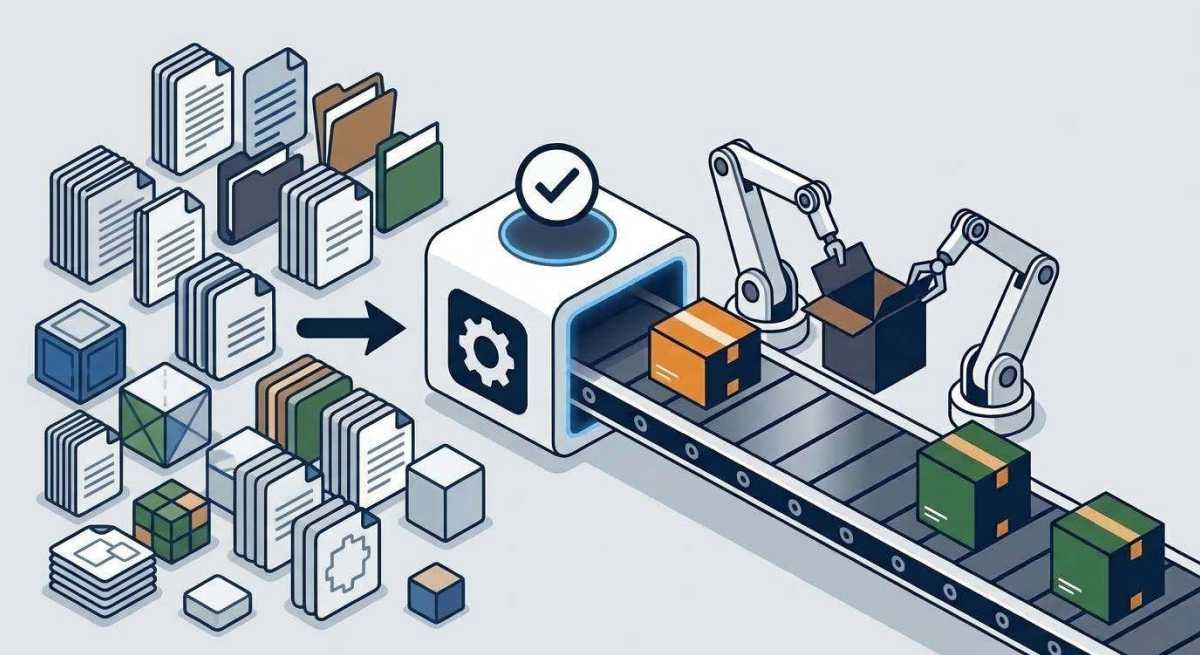
Print automation uses software to handle repetitive, error-prone tasks across the print and packaging process, so your team doesn't have to catch every mistake by hand.
Instead of manually proofreading copy, comparing artwork, or routing approvals through email, automation does the heavy lifting. It detects errors, standardizes quality checks, and moves files through your workflow with precision. Think of it as a tireless quality inspector embedded in your process, checking every file and flagging every discrepancy without adding headcount.
The core tasks it handles include automated proofreading, artwork comparison, barcode verification, braille inspection, and color consistency checks. Each is a common source of costly errors when done manually, and each becomes reliable when automated.
Want the full breakdown? Explore our deep dive on print automation, what it is, and why it matters now.
2. Packaging Automation: The Hidden Causes Behind Production Errors
Most packaging errors don't announce themselves. They hide, slipping past a tired reviewer, riding along on an outdated file, and surfacing only after thousands of units hit the line.
Packaging automation targets those hidden causes at the root. The biggest culprits aren't careless mistakes; they're systemic weaknesses baked into manual workflows:
- Human fatigue that erodes accuracy after a long day of reviews
- Manual handoffs where files break between design, prepress, and press
- Version confusion that sends outdated artwork to production
- Communication gaps that leave last-minute changes unread
- Regulatory blind spots that let compliance risks slip through
By anchoring every check to an approved master file and running automated inspection across text, artwork, barcodes, and color, packaging automation dismantles these causes before they cost you.
Dig deeper into the hidden causes behind production errors, and how automation shuts them down, in our dedicated post on packaging automation.
3. Operational Bottlenecks: Where Packaging Slows Down
A launch rarely fails because of one big disaster. It stalls because of a dozen small delays no one saw coming. A file sits in an inbox. An approval waits on a signature. A revision loops back for the fourth time.
These operational bottlenecks are where great products miss their shelf dates. The most common ones live in predictable places:
- Manual approvals stuck "pending review" for days
- File preparation delays that trigger hours of rework
- Artwork revision cycles that balloon from one loop to five
- Communication breakdowns that force everything to restart
- Compliance checks crammed in at the last minute
The key to finding them? Measure wait time, not just work time. The waiting reveals where files pile up, and where automation delivers the biggest gains.
Learn how to identify your real operational bottlenecks step by step in our full guide.
4. Prepress Workflow: From Files to Final Print
Between a finished design and a printed label sits a stretch of work most people never see: the prepress workflow. It's where packaging gets locked in as flawless, or quietly picks up the errors that end in reprints and recalls.
The workflow moves through clear stages, each a checkpoint for quality:
- File intake and preparation: confirming formats, layers, and specs
- Preflight checks: catching technical flaws before they reach press
- Color management: keeping brand color consistent across substrates
- Proofing and approval: verifying copy, compliance, and layout
- Plate and form preparation: optimizing files for the press
- Final output: sending verified, press-ready files to production
Automation strengthens every stage, embedding fast, accurate checks directly into the tools prepress teams already rely on, like Esko and CLOUDFLOW. That means fewer errors, faster turnaround, and no rebuild required.
Walk through the prepress workflow stage by stage in our detailed breakdown.
5. Printing Workflow Software: What It Does and Why It Matters
Printing workflow software is the engine that ties everything together. It's the platform that manages, automates, and connects every step of production, from file intake to press-ready output.
Instead of shuffling files through email and chasing approvals by hand, you get one connected system. Its core functions include:
- Automated file routing that moves each file to the right check and next step
- Workflow automation that handles repetitive tasks consistently
- Approval management that centralizes and documents every sign-off
- Automated quality checks across text, artwork, barcodes, braille, and color
- Integration with prepress tools so automation embeds into your existing setup
The result is a pipeline where you always know where a file sits, errors get caught early, and quality stays consistent whether you're checking one file or ten thousand.
See everything printing workflow software does, and why it matters, in our focused post.
6. Color Management Software: Why Color Is One of the Biggest Sources of Error
Your brand red isn't just a color. It's recognition, trust, and the reason a shopper reaches for your product instead of the one beside it. Yet color is one of the hardest things to get right, and one of the biggest sources of error in packaging.
Color drifts for reasons manual review can't control:
- Substrates absorb and reflect ink differently
- Presses vary run to run and machine to machine
- Lighting distorts perception through metamerism
- Human eyes perceive color inconsistently, especially when tired
Color management software solves this with data-driven precision. Using ICC profiles, exact numeric targets, trustworthy digital proofing, and batch-to-batch consistency checks, it locks in accurate color across every SKU, substrate, and market, no guesswork required.
Understand why color causes so many errors, and how to control it, in our deep dive on color management software.
7. Process Control: How Quality Assurance Works in Modern Packaging
Flawless packaging doesn't happen by luck. It happens by design, by building a system that catches problems before they reach the press, the shelf, or the customer.
Process control keeps production consistently on target. Quality assurance (QA) guarantees the final product meets every standard for accuracy, compliance, and brand consistency. Together, they run on five connected practices:
- Standardization: defining "correct" with one approved reference
- Inspection: verifying files and output against that standard
- Real-time monitoring: catching drift as production runs
- Error detection: stopping defects before they spread
- Continuous improvement: learning from every caught error
Automation supercharges all five, applying tireless, consistent checks that scale across every SKU and site.
Explore how process control and quality assurance work together in our full guide.
8. Smart Manufacturing: What Digital Transformation Actually Looks Like
Strip away the buzzwords, and smart manufacturing comes down to something simple and powerful: connecting the tools, data, and people that make your operation run, so it moves faster, smarter, and more accurately.
It's built on four core technologies working together:
- Automation that handles repetitive, error-prone tasks
- Real-time data that tracks your workflow as it happens
- Artificial intelligence that powers sharper, faster inspection
- IoT and connected systems that let your tools share data automatically
On the plant floor, this looks like files that route themselves, quality checks that run in the background, problems that surface early, and a team aligned around one source of truth. And it reaches full potential when it integrates directly with the prepress and print tools you already use.
See what digital transformation really looks like in packaging in our dedicated post on smart manufacturing.
Bringing It All Together
These eight pillars aren't separate solutions, they're connected pieces of one system. Print and packaging automation catch errors at the source. Bottleneck analysis and prepress optimization clear the path for speed. Workflow software and color management lock in accuracy. Process control and smart manufacturing tie it all into a scalable, intelligent operation.
The outcome is exactly what fast-moving CPG and prepress teams need most:
- Faster time to market: reviewers reclaim minutes to hours per label, adding up to entire days across your SKU count
- Fewer errors and reprints: catching discrepancies before press protects your budget
- Consistent quality at scale: the same standard applied to one file or ten thousand
- Confident compliance: automated verification of barcodes, braille, and multi-language copy that lowers recall risk
Packaging and Print Automation: Your Next Step
You don't need to transform everything at once. Start by mapping your current workflow and finding the one place errors or delays cost you the most. Automate that first, integrate it with the tools you already trust, and build from there.
That single move can reclaim days across your calendar and set you on the path to packaging you can trust, every single run. Explore each of the eight guides above to go deeper on the pillar that matters most to your team right now.
Frequently Asked Questions