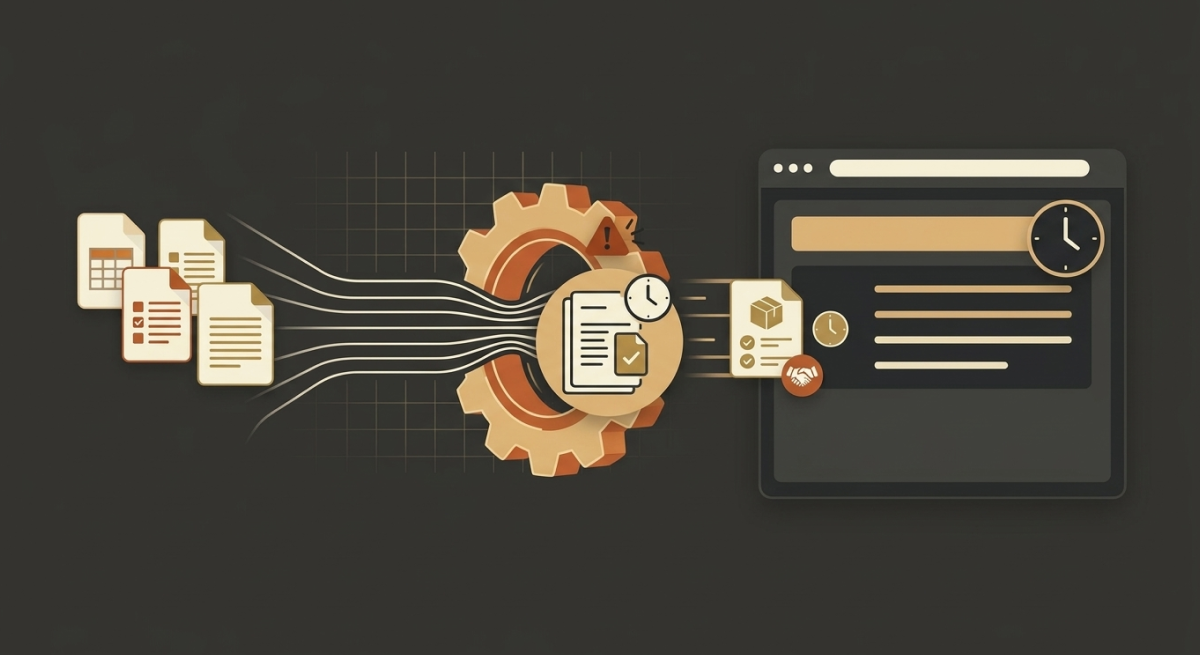


A product launch rarely fails because of one big disaster. It stalls because of a dozen small delays no one saw coming. A file sits in someone's inbox. An approval waits on a signature. A revision loops back for the fourth time. Each pause feels minor, until you add them up and realize your launch is three weeks behind.
Those pauses are operational bottlenecks, and in high-volume packaging environments, they're the real reason great products miss their shelf dates. The good news? Bottlenecks are findable. Once you know where to look, you can pinpoint exactly where your workflow drags, and fix it.
In this post, you'll learn how to spot the operational bottlenecks hiding in your packaging process. We'll cover the usual suspects, from manual approvals to compliance checks. We'll show you how to trace where time actually disappears. And you'll walk away with practical steps to speed things up.
What Are Operational Bottlenecks in Packaging?
An operational bottleneck is any point in your workflow where work piles up faster than it can move forward. It's the narrow spot in the pipe that slows everything downstream.
In packaging, bottlenecks show up as delayed approvals, stalled files, endless revision loops, and last-minute compliance scrambles. They don't just slow one project. They ripple across every SKU in the queue, pushing back launches and inflating costs.
Here's the key insight: bottlenecks aren't always where you think. The step that feels slow isn't always the one holding you back. Real bottlenecks hide in handoffs, wait times, and manual tasks that quietly eat your calendar.
Key point: A bottleneck is where work waits. Find the waiting, and you find the delay.
Why Bottlenecks Cost More Than You Think
Before we hunt them down, let's be clear on the stakes. Operational bottlenecks don't just annoy your team, they hit your bottom line.
- Missed launch windows. Retail slots don't wait. A delayed launch can mean lost shelf space and lost sales.
- Higher costs. Rush fees, overtime, and expedited shipping stack up fast when you're racing to recover lost time.
- More errors. Rushed work at the end of a delayed timeline is where mistakes, and reprints, happen.
- Compliance risk. When compliance checks get squeezed by earlier delays, something slips. That's how violations and recalls start.
In fast-paced, high-SKU environments, a single recurring bottleneck can quietly cost you weeks across a year. That's why finding them is one of the highest-value things you can do.
The Most Common Operational Bottlenecks in Packaging
Let's put names to the usual culprits. Most packaging delays trace back to five recurring bottlenecks. See how many you recognize.
1. Manual approvals
Approvals are the single most common place packaging stalls. A file gets designed and then waits, for a reviewer, a manager, a legal sign-off. Each person has a full inbox, so your project sits in line.
Watch for these signs:
- Files stuck "pending review" for days
- Approvals scattered across email, chat, and hallway conversations
- No clear owner for the next step
The fix starts with visibility. When you can see exactly where a file sits and who holds it, you can clear the jam.
2. File preparation delays
Before artwork can move forward, it has to be prepped correctly, right formats, right layers, right specs. When files arrive incomplete or incorrect, prepress teams lose hours fixing them.
This bottleneck often hides because it feels like "normal work." But every file sent back for rework is time you don't get back. Standardizing file intake and automating checks at the front end keeps this from clogging your pipeline.
3. Artwork revision cycles
One revision is expected. Five is a bottleneck. When artwork bounces back and forth between design, review, and prepress, each loop adds days and reintroduces the risk of new errors.
Revision cycles balloon when:
- Feedback is vague or arrives piecemeal
- Different reviewers request conflicting changes
- No one confirms which version is the approved one
Automated comparison against an approved master file cuts these loops short by catching real changes instantly, so you're not eyeballing every revision by hand.
4. Communication breakdowns
A last-minute copy change that doesn't reach prepress. A regulatory update no one flagged. A verbal "looks good" treated as formal sign-off. These gaps don't feel like bottlenecks, but they force rework that stops everything cold.
The more markets and SKUs you manage, the more handoffs you have, and every handoff is a chance for a message to get lost. Centralizing communication around a single source of truth closes these gaps.
5. Compliance checks
Compliance can't be skipped, but when it's crammed in at the end, it becomes a bottleneck. Manual checks of barcodes, braille, mandatory copy, and multi-language text take time, and if something fails, you're back to square one.
The trouble compounds across global launches, where each market carries its own rules. Verifying compliance-critical elements automatically, earlier in the process, keeps this step from becoming a last-minute wall.
Key point: Most packaging delays come from approvals, file prep, revision loops, communication gaps, and compliance checks. Start your search there.
How to Identify Your Real Bottlenecks
Knowing the common bottlenecks is half the battle. Now let's find yours. Here's a practical, step-by-step approach.
Step 1: Map your full workflow
Write down every step a file takes, from initial design to press-ready. Include every handoff, every review, and every wait. You can't fix what you can't see, and most teams are surprised by how many steps exist.
Step 2: Measure time at each stage
For each step, track two numbers: how long the work takes and how long the file waits. The waiting time is where bottlenecks live. If a review takes 20 minutes of actual work but sits for three days, you've found a bottleneck.
Step 3: Look for the pile-ups
Find the stages where work consistently backs up. If files always queue before approvals or always bounce back from prepress, that's your constraint. Pile-ups point straight to the problem.
Step 4: Ask your team
Your people know exactly where they get stuck. Ask them where they wait, what they redo most often, and which handoffs cause the most friction. Their answers will confirm (or reveal) your true bottlenecks.
Step 5: Trace the ripple effects
A bottleneck in one place often causes chaos elsewhere. If compliance checks are always rushed, trace backward. The real bottleneck may be an earlier delay eating the time compliance needs.
Key point: Measure wait time, not just work time. The waiting reveals the real operational bottlenecks.
Common Mistakes When Hunting Bottlenecks
Even careful teams misdiagnose their delays. Watch for these traps:
- Blaming people instead of the process. Bottlenecks are almost always systemic, not personal. A tired reviewer isn't the problem, a workflow that depends on one exhausted reviewer is.
- Fixing the loudest complaint. The most-mentioned pain isn't always the biggest constraint. Follow the data, not the noise.
- Optimizing the wrong step. Speeding up a step before the bottleneck just makes files pile up faster at the real jam.
- Treating it as one-and-done. Fix one bottleneck and another often appears downstream. Bottleneck hunting is ongoing, not a single event.
Avoid these, and your fixes will actually stick.
Turning Insight Into Action
Once you've found a bottleneck, the path forward is clear. The biggest wins usually come from removing manual, repetitive work and adding visibility where files go dark.
Consider where automation can carry the load:
- Automated file checks at intake to stop rework before it starts
- Automated artwork comparison to shorten revision cycles
- Automated compliance verification for barcodes, braille, and multi-language copy
- Centralized, real-time alerts so nothing stalls in someone's inbox
When these checks integrate directly into the tools your team already uses, you remove bottlenecks without disrupting the workflow around them. That's how you protect quality and speed at the same time.
Operational Bottlenecks: The Bottom Line
Packaging rarely slows down because of one obvious failure. It slows down at the quiet chokepoints; manual approvals, file prep delays, endless revision loops, communication gaps, and last-minute compliance checks.
These operational bottlenecks compound across every SKU, pushing back launches and driving up costs.
The path forward is straightforward, and you can start today:
- Map your workflow end to end, capturing every handoff and wait time.
- Measure wait time at each stage to find where files pile up.
- Talk to your team to confirm the friction points they feel every day.
- Target your biggest bottleneck first with standardization and automation.
Find the one bottleneck costing you the most and fix it. That single move can reclaim days across your calendar and get flawless packaging to shelf faster than ever.
Frequently Asked Questions
1. How do I identify bottlenecks in my workflow?
Start by mapping out your entire workflow, from start to finish, documenting every step, handoff, and approval stage. Look at areas where files tend to wait the longest or where errors frequently occur. Gather input from your team to ensure no roadblocks are overlooked.
2. What tools can help reduce operational bottlenecks?
Automation tools like label proofreading software or workflow management systems can streamline repetitive tasks and reduce manual errors. Choosing solutions that integrate seamlessly with your existing QC processes is key to minimizing disruption while improving efficiency.
3. Can automation really make a difference in reducing delays?
Absolutely. By automating repetitive, time-intensive tasks such as compliance checks or label proofreading, you can cut processing times significantly and eliminate manual errors that often lead to delays and rework.
4. What if my bottleneck involves communication between teams?
Standardizing processes and implementing collaborative tools can resolve many communication breakdowns. Establish clear roles, approvals, and checkpoints so teams can work together without confusion or unnecessary back-and-forths.
5. How can I ensure my changes stick long-term?
Focus on consistent implementation and provide training for your team. Use automation to enforce standardization and rely on analytics to regularly measure the improvements, ensuring changes continue to deliver value over time.
6. Will streamlining one part of my workflow create new bottlenecks?
Streamlining one stage occasionally shifts bottlenecks to another, but this shouldn’t deter you. By addressing the most critical blockages first, you’ll create quick wins and free up resources, giving you more capability to tackle subsequent bottlenecks.
7. How important is data in identifying and eliminating bottlenecks?
Data is critical. Track metrics like wait times, error rates, and rework costs across your workflow to pinpoint inefficiencies. Data-driven decisions ensure you're targeting the bottlenecks with the biggest impact on your operations.