
PDF Proofing

PDF Proofing is the process of reviewing and approving artwork in a digital PDF format before anything goes to print. Think of it as the final checkpoint where you zoom in, zoom out, nitpick every pixel, and make sure colors, text, logos, dielines, barcodes, and layout are exactly how they’re supposed to be.
It’s the stage where you catch sneaky typos, color shifts, spacing issues, or layout mistakes before they turn into thousands of printed errors. In short:
It’s your safety net. Your quality guardian. Your “wait… did we really approve that?” prevention system.
Why it matters:
PDF proofing helps catch mistakes early, preventing expensive reprints and packaging errors. It ensures that everyone from designers, printers, brand teams, and regulatory reviewers, is looking at the same accurate file, reducing miscommunication and improving print quality.
Benefits:
- High accuracy: PDFs keep fonts, colors, and layout consistent
- Easy to share: Teams can review proofs anywhere
- Reduces errors: Helps spot typos, alignment issues, and missing elements
- Cost-effective: Prevents mistakes before production
- Supports annotations: Reviewers can leave comments or mark changes directly on the file
Use cases in print and packaging:
- Label reviews: Checking ingredients, warnings, artwork, and barcodes
- Regulated industries: Medical, pharma, and food products that require precise text and symbols
- Packaging design approvals: Cartons, boxes, wrappers, and sleeves
- Marketing materials: Flyers, brochures, catalogs, and posters
- Prepress checks: Ensuring bleed, trim, color profiles, and dielines are correct before printing
Automated PDF Proofing Technology
Traditional PDF proofing relies heavily on human eyes, which are great, but not infallible. Automated PDF proofing technology adds an extra layer of protection by using software to automatically inspect PDFs for errors that are easy to miss during manual review.
Tools like GlobalVision and Verify scan PDFs against predefined rules and reference files to detect inconsistencies in text, graphics, colors, barcodes, and more. Instead of reviewers hunting line-by-line, automation flags potential issues instantly, allowing teams to focus on decision-making rather than error detection.
Why automated PDF proofing matters:
- Catches errors humans often miss (missing text, unintended changes, barcode issues)
- Ensures consistency across versions, languages, and SKUs
- Speeds up review cycles by reducing repetitive manual checks
- Creates an auditable, repeatable proofing process
- Reduces risk in high-volume and regulated environments
Best for:
- High-volume packaging and labeling workflows
- Regulated industries where accuracy is non-negotiable
- Teams managing frequent artwork revisions
- Companies looking to scale quality control without scaling headcount
In short, automated PDF proofing doesn’t replace human reviewers, it empowers them. It turns PDF proofing from a manual safety net into a smart, scalable quality system.
See Other Guides
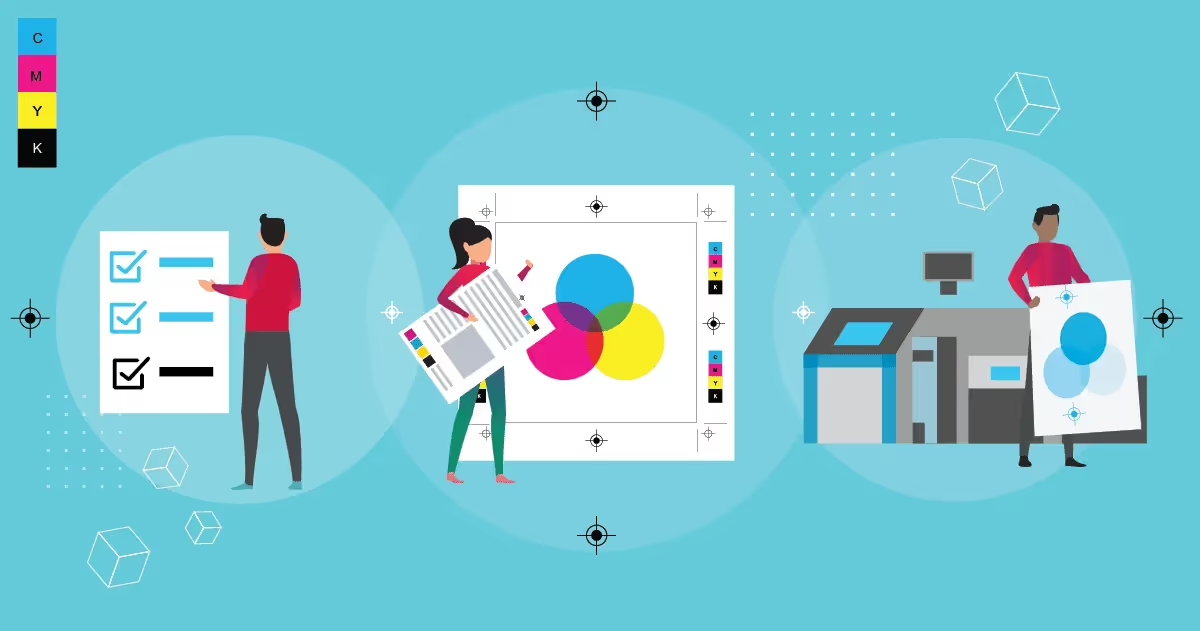
What Is Prepress?
In spite of a whole industry dedicated to it, very few people know what prepress is. “Prepress” is used in the printing industry to refer to all of a commercial printer’s activities after they receive an order […]

A Quick Guide on How to Compare PDF Files
Today, physical files are becoming less common as digital files slowly replace their use cases and take center stage. Because of this, knowing how to manage these documents efficiently […]

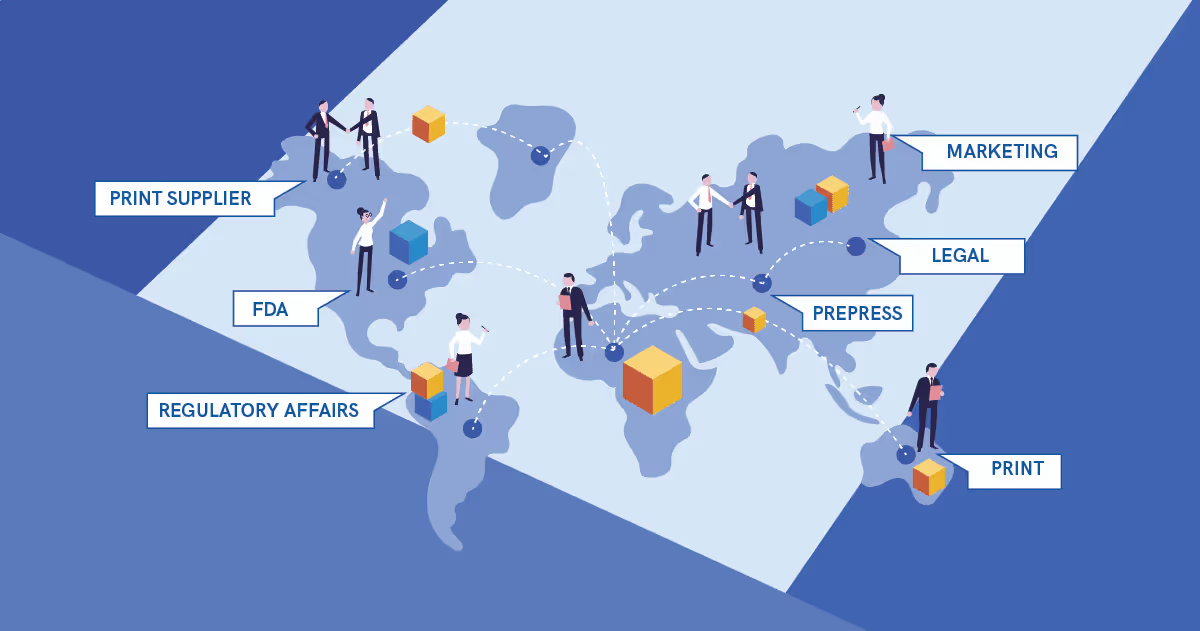
How Different Departments Help Develop and Proof Packaging
It’s easy to imagine how much work goes into the production of packaging materials. The Packaging Proofing Process Even looking at the process in a vacuum, the back-and-forth alone in trying to finalize a design […]

Streamline Artwork Proofing From Prepress to Production
Elevate labeling and packaging accuracy with the market-leading artwork inspection software.