
Grayscale

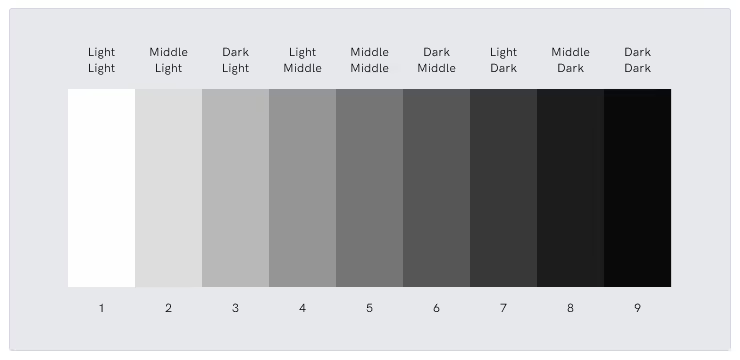
Grayscale is a way of displaying or printing images using only shades of gray, ranging from pure black to pure white. Instead of using color, grayscale relies on different levels of lightness and darkness to show detail, depth, and contrast. Photos, illustrations, and graphics can all be converted to grayscale when color isn’t needed or when printing in black-and-white.
Why it matters:
Grayscale helps simplify designs, reduce printing costs, and maintain visual clarity, especially when color accuracy isn’t essential. It’s also useful for checking contrast and visual structure before moving to full color, making it an important tool in both design and prepress workflows.
Benefits:
- Cost-effective: Uses only black ink, reducing printing expenses
- Clear contrast: Helps highlight shapes, shadows, and details
- Consistent output: Avoids color shifts or matching issues
- Great for proofs: Useful for checking layout and clarity before color printing
Use cases in print and packaging:
- Instruction manuals: Clear and easy-to-read diagrams in black-and-white
- Regulatory inserts and leaflets: Keeps printing simple and affordable
- Prototypes: Checking design structure without worrying about color accuracy
- Product labels: When color isn’t required or when printing on tight budgets
In short, grayscale is a simple, reliable way to present visuals clearly without color, making it useful for both creative and cost-efficient printing.
See Other Guides
The Ultimate Guide to Prepress Quality Control: From Preflight to Perfect Prints
Excellent quality control before printing turns a good business into a great one. Catching mistakes early and keeping your standards high makes every project run smoothly. Clients will be impressed by your reliable and detailed work.

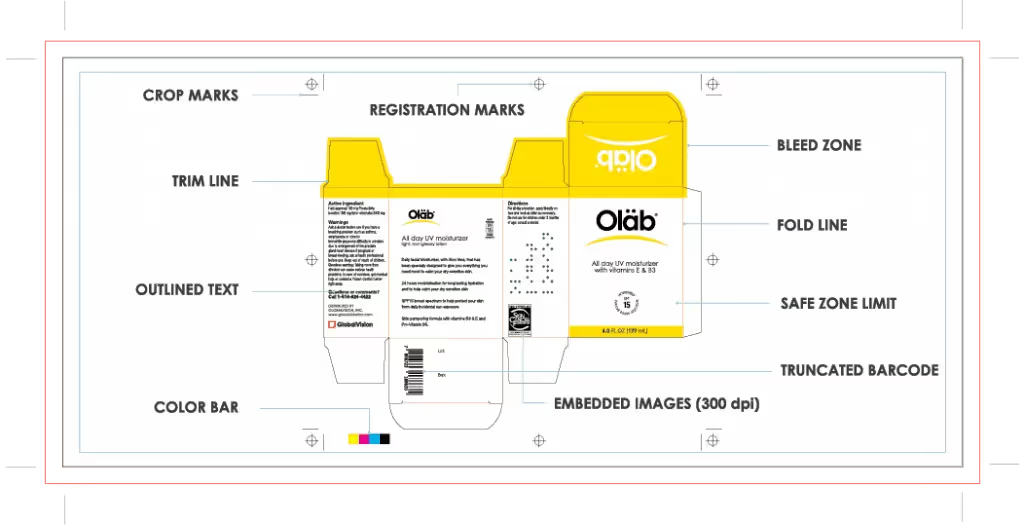
How Can File Comparison Software Improve Your Print Ready Files?
While some experienced graphic designers might be very familiar with print-ready work, this concept still represents a terrifying and intimidating aspect of graphic design for many newcomers.
How Modern Prepress Software Is Changing the Packaging Industry
When flipping through a brochure or any sort of packaging, you probably think that to get a design printed all you have to do is press the print button.
Streamline Artwork Proofing From Prepress to Production
Elevate labeling and packaging accuracy with the market-leading artwork inspection software.